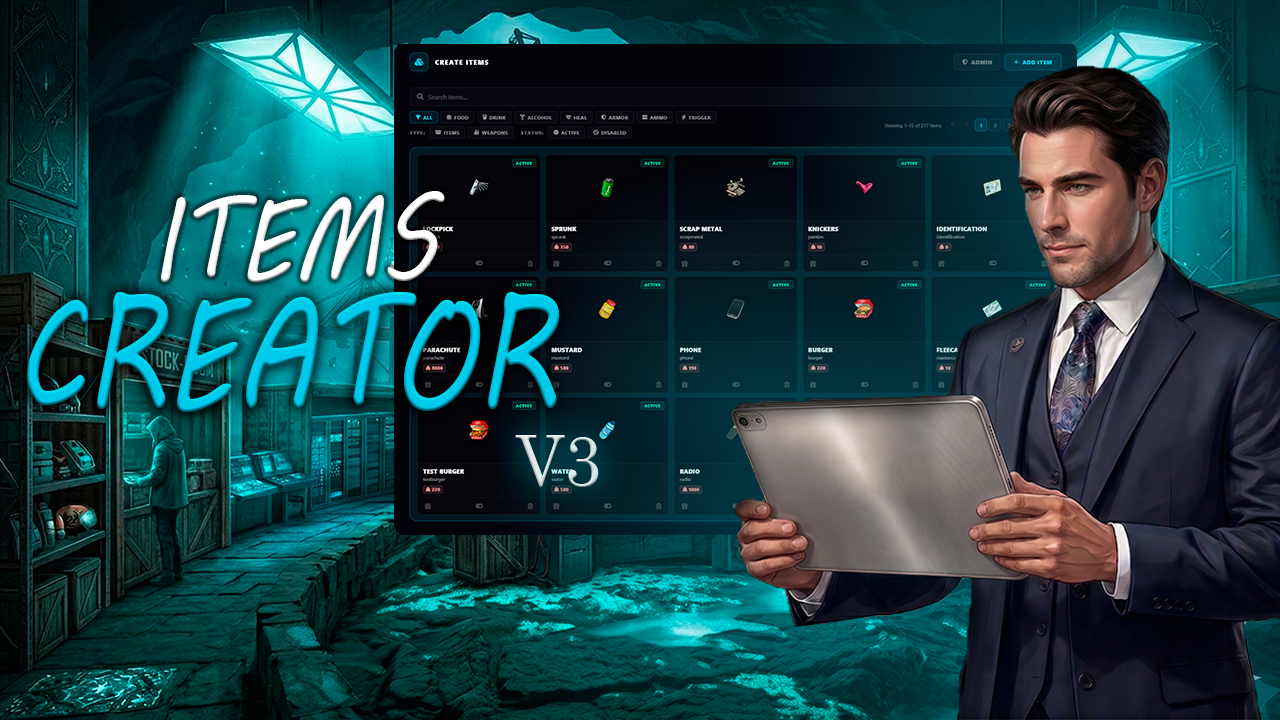
ITEMS CREATOR V3
FREE
Details
[SHORT] Create, edit, delete and manage ALL your server items in real time — without touching a single line of code or restarting your server. [/SHORT]
Introducing Ryders Items v3 — the ultimate in-game item creator and manager for QBCore, QBOX, ESX and ox_inventory. Create, edit, delete and manage every single item on your server. No code. No restarts. No headaches.
[TAGS: QBCORE, QBOX, ESX, ALL INVENTORIES]
Tablet
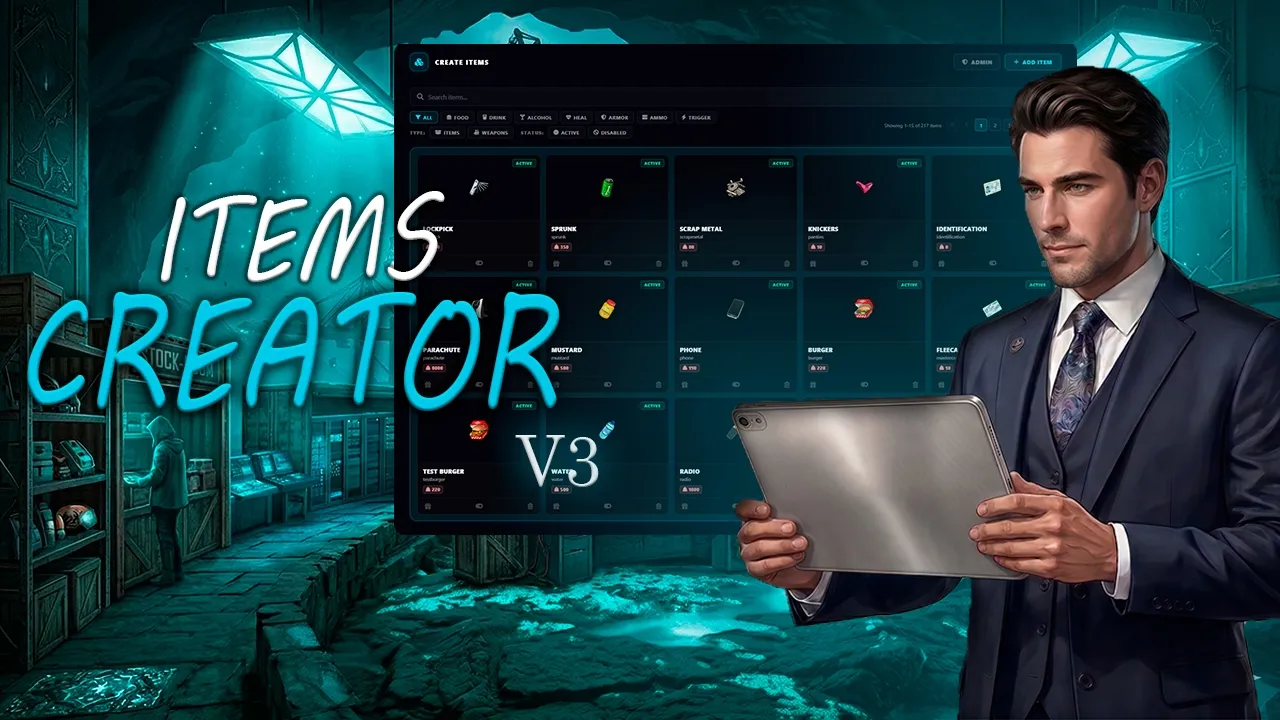
A clean, dark-themed in-game tablet that puts your entire item system at your fingertips — no external tools, no server restarts, no interruptions.
Browse, search and filter all your items by category. Create, edit or delete items on the fly. Toggle items on and off, give them directly to any online player, and manage everything from a single interface without ever leaving the game.

Create New Item
Set up every detail from scratch — ID, label, description, weight and image. Configure behavior flags: usable, unique, stackable and close on use.
Build consumables with type, amount, custom prop and animation. Add dev triggers for client and server events, execute commands on use, give other items on use, call exports from any resource, or turn the item into a container with its own inventory.
Place props on the map with persistent spawning, interaction actions (trigger, export or stash) and configurable slots and weight. Loop animations, metadata keys and a full review step before saving complete the wizard.


Real-Time Prop Placement
Position and rotate props live on your character while the animation plays — what you see in the editor is exactly how it looks when the item is used.
Move on X, Y and Z axes and rotate on all three with keyboard controls or the on-screen UI. Hold SHIFT for fine-tuning precision when you need exact placement. Scrub the animation timeline to preview the prop at any frame.
Save your adjustments as presets and reload them across different items — no need to set up the same prop position twice. Presets are automatically filtered by the consumable type selected in the wizard.

Admin Panel
Full administration system accessible directly from the in-game tablet. Create and manage custom roles with granular permissions — create, edit, delete, toggle, give and admin panel access — and restrict which wizard options and tabs each role can see.
Assign roles to players by license or manage them live while the server is running. Changes apply instantly without any restart. The panel tabs show or hide based on each role’s permissions.
Full action logs for every operation performed in the panel. Restore deleted items and browse or upload item images directly from the tablet.


Realistic Needs
A complete food and drink consumption system built directly into the item wizard. Configure sip amounts, rewards, animations, props, sounds, decay, haste and more — all without writing a single line of code.
Each item tracks its own consumption state, supports decay over time, throwable behaviour, world placement and reseal mechanics. Every detail is set from the creator and saved alongside the item.


Player Settings
Each player can rebind every key to their own preference and freely reposition and resize the HUD elements from a personal settings panel — no admin required.
Separate control sections for Realistic Needs and Place on Map keep things clean and easy to navigate.


Easy Setup
One line in your fxmanifest and you’re ready. Automatically detects and migrates your existing items from QBShared.Items, ox_inventory or a previous ryders_items installation on first boot — zero manual migration.
Supports QBCore, QBOX, ESX and ox_inventory out of the box.
ITEMS CREATOR V3
Free